Finance & Operations
Free Change Order Template (PDF)
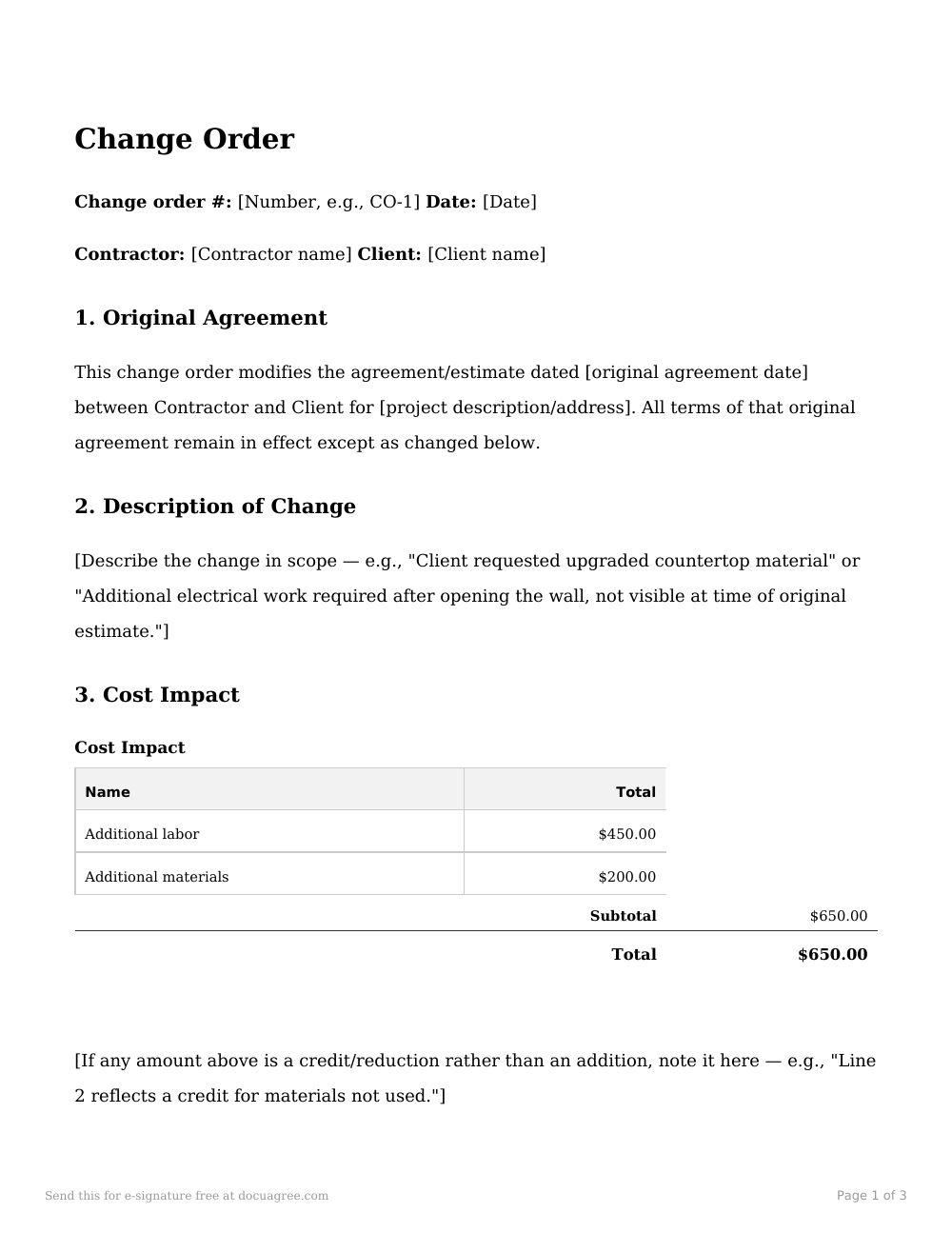
A change order documents a change to an already-signed contract or estimate — what changed, the added or reduced cost, and any schedule impact — so a mid-project change is agreed to in writing instead of assumed over a phone call.
Download the template
Free, no signup required. Fill in the blanks by hand, or use it below to fill and send for signature.
When to use it
Use this any time the scope of an already-agreed job changes after work has started — a client requests an upgrade, or a contractor finds an issue that wasn't visible at the time of the original estimate. It's meant to sit alongside the original agreement, not replace it.
What's typically included
- Reference to the original agreement
- Description of the change
- Itemized cost impact
- Schedule impact
- Payment terms for the change amount
- Authorization
- Governing law
How to fill it in
- Reference the original agreement's date and the project specifically — this document is only meant to modify that agreement, not stand alone.
- Fill in the cost-impact table with the real added or reduced line items — if any line is a credit rather than an addition, say so in the note beneath the table.
- State plainly whether the completion date changes — a change order that's silent on schedule leaves the most common follow-up dispute (a job running later than expected) unaddressed.
This template is a general starting point, not legal advice — customize it and have it reviewed for your situation.
Frequently asked questions
Does a change order replace the original contract?
No — it modifies it. Everything in the original agreement or estimate stays in effect except for whatever this change order specifically changes, which is why it references the original agreement's date rather than restating the whole contract.
Can work start before the change order is signed?
This template is written so work on the changed scope doesn't begin until both parties sign — that's what protects a contractor from doing unpaid extra work and protects a client from being billed for a change they never actually agreed to.
Is an electronically signed change order legally binding?
Yes, under the U.S. ESIGN Act and state UETA laws, the same as the original signed agreement it modifies.
Ready to use this template?
Every word is editable before you send — this is a starting point, not a final draft.